















Finland's most valued brand in 2026!
Taloustutkimus listed Finland's most valued brands in 2026

All in one app
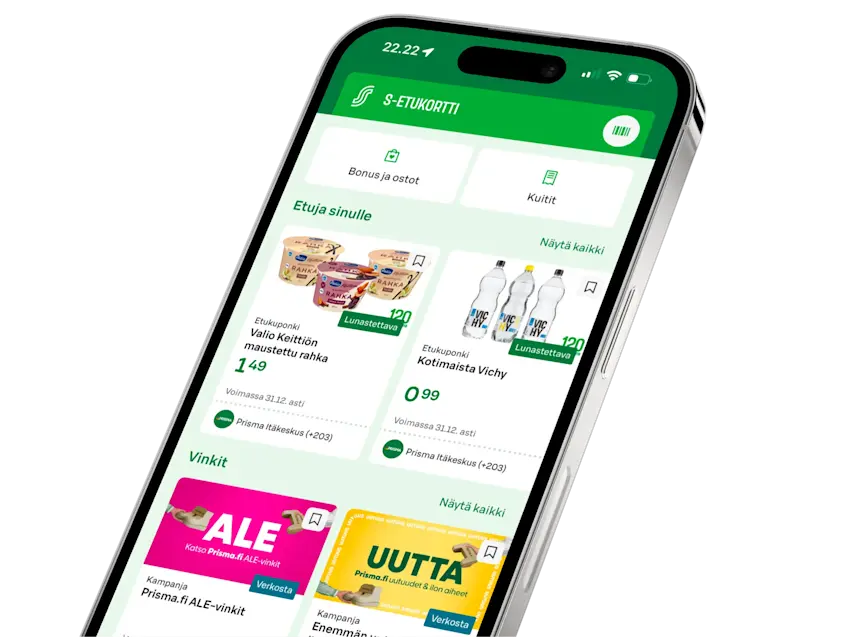
Bonus, benefits, payment, receipts and warranties — all on your phone.
S-Etukortti Q&A
Does S-Etukortti cost anything?
Does S-Etukortti cost anything?
No. You get an S-Etukortti when you become a co-op member or join a co-op member household. When you become a co-op member, you need to pay the membership fee to your local cooperative. The membership fee is not a card fee — it's an investment that you get back if you ever decide to end your membership. You can pay the membership fee in full when you join (100 euros) or in instalments (minimum 20 euros). People who join a co-op member household do not need to be members themselves, so only one membership fee is needed per household. You can become a co-op member easily online: Join now
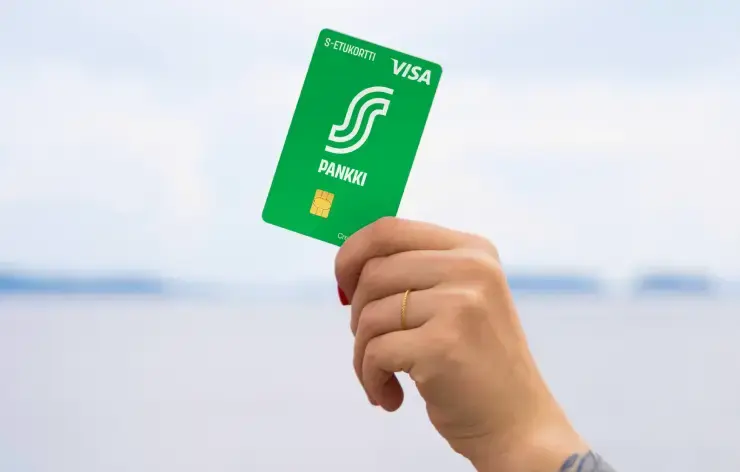
The S-Etukortti Visa payment card is also free for all co-op member household members — no annual or monthly fees.
If you need to replace your card before it expires, for example due to loss, S-Bank charges a fee according to its service price list: Service price list (s-pankki.fi)
How do I start using S-Etukortti with S-mobiili?
How do I start using S-Etukortti with S-mobiili?
iPhone users of S-mobiili can add their S-Etukortti to Apple Wallet from the Me section in S-mobiili.
Android users of S-mobiili can enable contactless S-Etukortti in the Me section of S-mobiili.
All S-mobiili users can use the S-Etukortti barcode, which you'll find in the S-Etukortti section.
Read more about mobile S-Etukortti: S-Etukortti on your phone
Where can I use my mobile S-Etukortti?
Where can I use my mobile S-Etukortti?
On Android phones, the contactless S-Etukortti in S-mobiili works at almost all S Group locations.
The S-Etukortti barcode works at almost all S Group locations, except hotels.
S-Etukortti from Apple Wallet works at the following S Group locations: Prisma, S-market, Alepa, Sale, ABC market, Food Market Herkku, Sokos, Emotion, Prisma Rauta, S-Rauta, and cafés and restaurants listed on raflaamo.fi (except Hesburger).
Read more about mobile S-Etukortti: S-Etukortti on your phone
Where can I check my earned cashback?
Where can I check my earned cashback?
In the S-mobiili app: select "S-Etukortti" at the bottom of the screen, then go to the Bonus and purchases view.
Sign in. You can see your cashback status on the Bonus purchases and receipts page. The page is visible to you when an S-Etukortti is linked to your account.
How do I get parallel cards for my family members?
How do I get parallel cards for my family members?
When you get parallel cards for family members, you all get to enjoy the benefits of S-Etukortti and earn Bonus together. Everyone benefits and your cashback grows faster! Other family members don't need to join separately — just invite them to your household. Joining a household is free.
You can add people to your household in S-mobiili or by signing in to S-Etukortti.fi.


Get started in just a few minutes
The membership fee is 100€ — you can pay it when you join, in smaller payments, or with the cashback you earn. If you ever decide to leave us, you’ll get it all back.