Make your life easier with S-mobiili
Keep your S-Etukortti and all its benefits with you in the S-mobiili app.
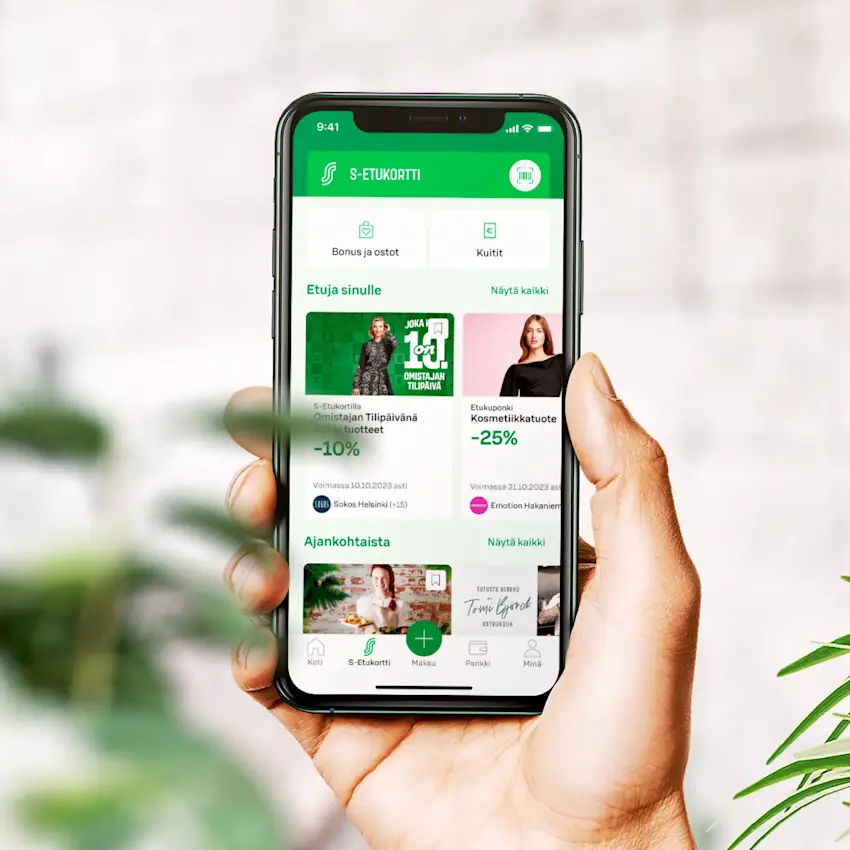
Your cashback at a glance
Easily keep track of your cashback and purchases in the S-mobiili app.
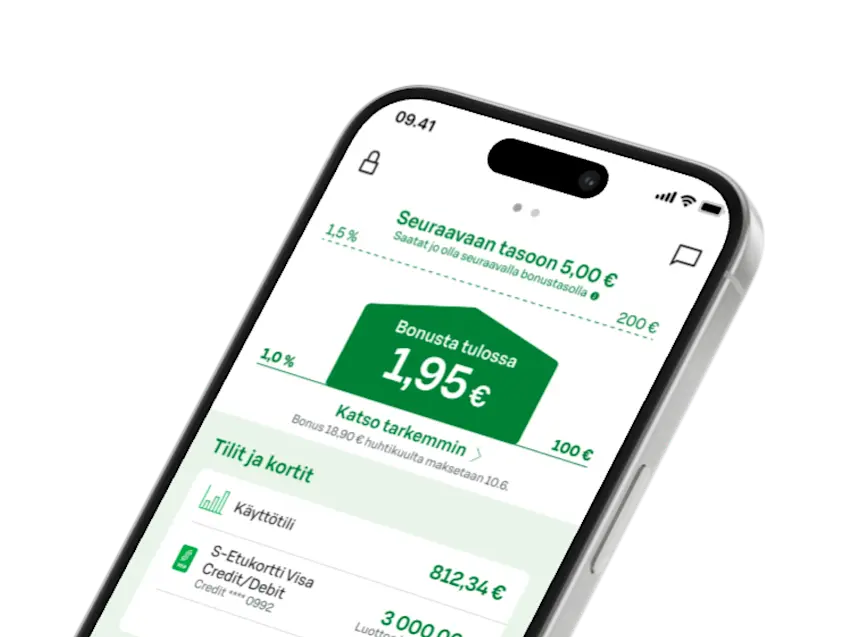
Earn Bonus on mobile
Use your S-Etukortti through Apple Wallet, with your Android phone's NFC contactless feature, or show the barcode from S-mobiili.
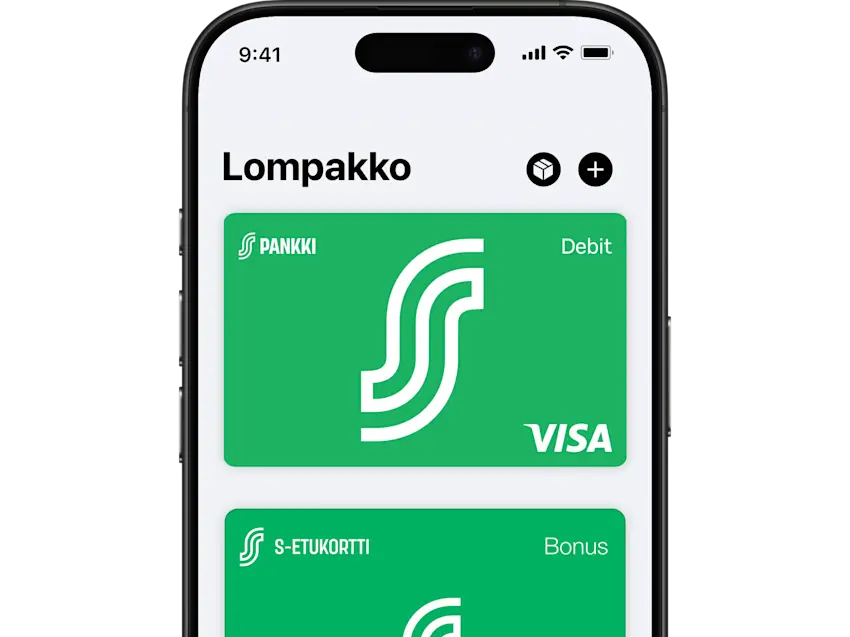
Benefits and tips
Browse your current benefits and coupons — nearby and across Finland.
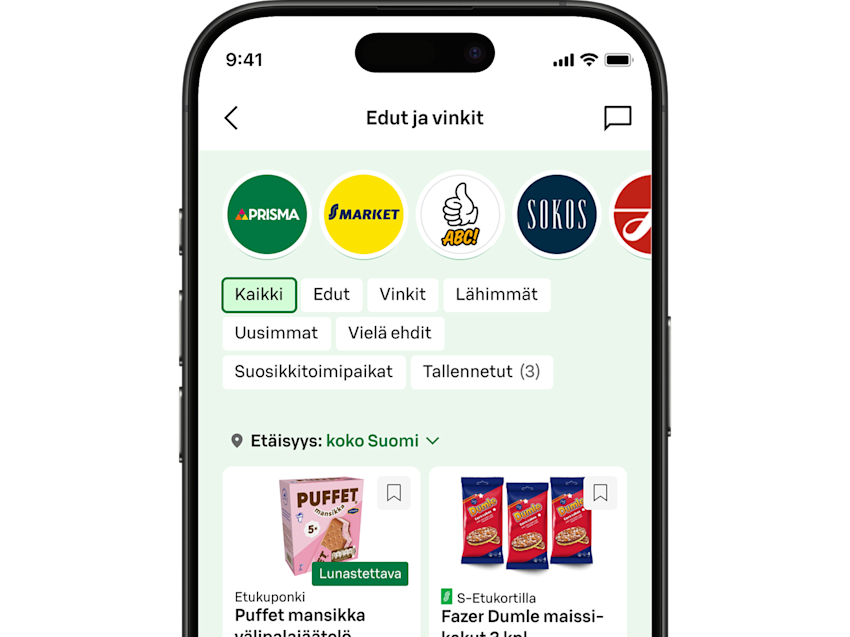
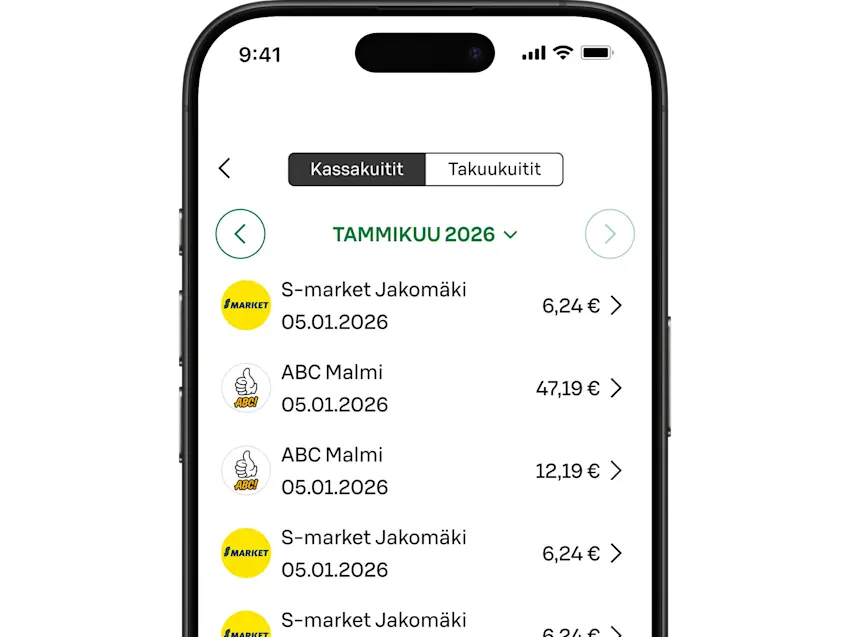
All receipts
Your cash and warranty receipts are safe and always available when you need them.
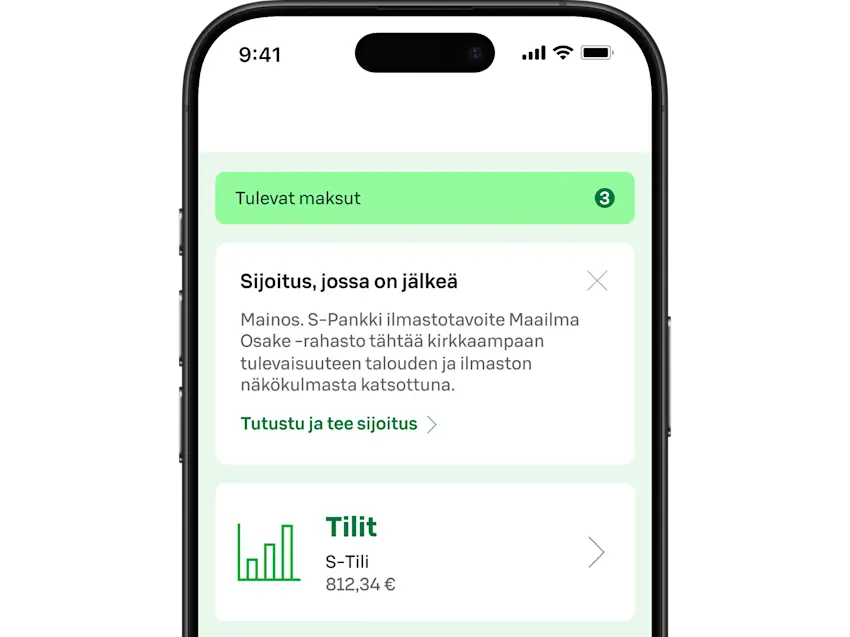
Banking services
Take care of your daily banking: monitor accounts and manage payments with ease.
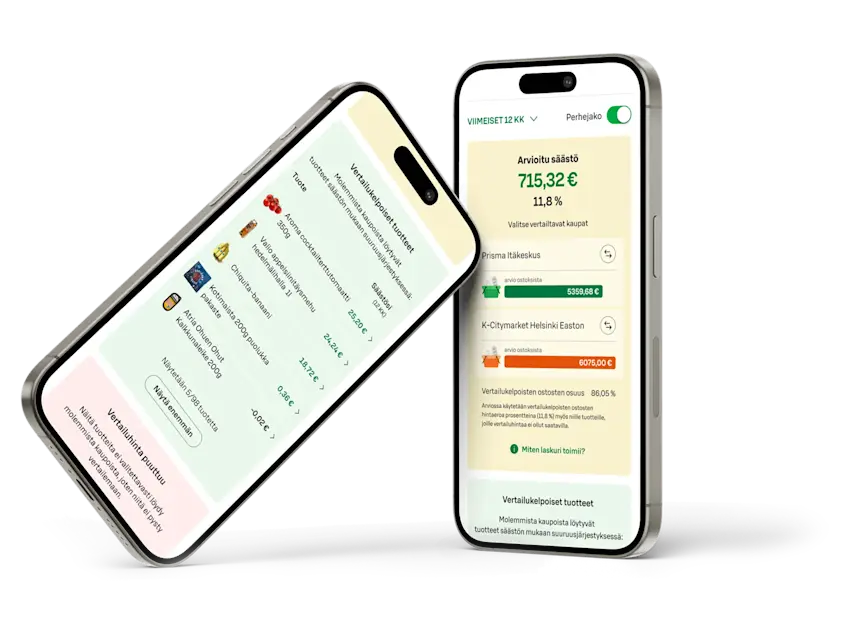
Your purchases
Check where your purchases come from and how healthy they are, or compare prices in different stores.
Download these too

ABC-mobiili
In the ABC-mobiili app, you manage all your driving-related services smoothly.

S-kaupat
Finland's most popular online grocery store, bringing together the selections of over 1,000 stores.

S-ostoslista
An app that lets you create shopping lists with your family members and collect products faster in the store.

Sokos Hotels
App and online service. Book a hotel, check in, and manage your booking.

Yhteishyvä Ruoka
A food and recipe app that helps you plan meals easily.
S-mobiili Q&A
How do I start using S-mobiili?
How do I start using S-mobiili?
Download S-mobiili from your phone's app store (Android: Google Play, iPhone: App Store). You can download the app on both Android and iPhone. S-mobiili is not currently available on Huawei Android phones without access to Google Play.
To sign in for the first time, you need online banking credentials from S-Bank or another bank, and you must be a co-op member or belong to a co-op member household.
When you set up S-mobiili, you'll receive an SMS confirmation so you can also activate banking services in the app. You need a phone number in your customer details to receive the SMS. You can add your number in S-Bank's online bank or at your nearest S-Bank service point.
When you sign in for the first time, you'll set up S-mobiili authentication. After that, you can sign in with your fingerprint, a PIN you choose, or Face ID on iOS phones with face recognition.
Which devices can I use S-mobiili on?
Which devices can I use S-mobiili on?
You can use S-mobiili on iPhone and Android smartphones. Make sure you have the following operating systems or newer: iOS 15 or Android 9.0.
I switched phones, how do I set up S-mobiili on my new phone?
I switched phones, how do I set up S-mobiili on my new phone?
If you transferred the S-mobiili app from your old phone, delete it and download it again from the app store. Set up the app from scratch, just as you did on your old device. There is no limit to the number of devices — you can be registered on S-mobiili on multiple devices.
If you set up S-mobiili using S-Bank online banking credentials on another device, you should remove unnecessary devices after setup: Me / Identification / Deactivate.
How do I start using S-Etukortti with S-mobiili?
How do I start using S-Etukortti with S-mobiili?
iPhone users of S-mobiili can add their S-Etukortti to Apple Wallet from the Me section in S-mobiili.
Android users of S-mobiili can enable contactless S-Etukortti in the Me section of S-mobiili.
All S-mobiili users can use the S-Etukortti barcode, which you'll find in the S-Etukortti section.
Read more about mobile S-Etukortti: S-Etukortti on your phone
What S-Bank services can I use in S-mobiili?
What S-Bank services can I use in S-mobiili?
S-mobiili is your bank in your phone. You can view account transactions and pay bills. You see your cards and can, for example, adjust card security limits and view credit transactions. You can also buy funds and track your fund savings, as well as manage loan matters. Read more about banking services on S-Bank's website.
S-mobiili also gives you access to the convenient Säästäjä service, which makes saving easy and affordable. Read more about Säästäjä and how to start using it on S-Bank's website.