S-Etukortti on your phone
Add S-Etukortti to your phone and earn cashback on the go – choose the option that works best for you below.
 For iPhone users
S-Etukortti in Apple Wallet
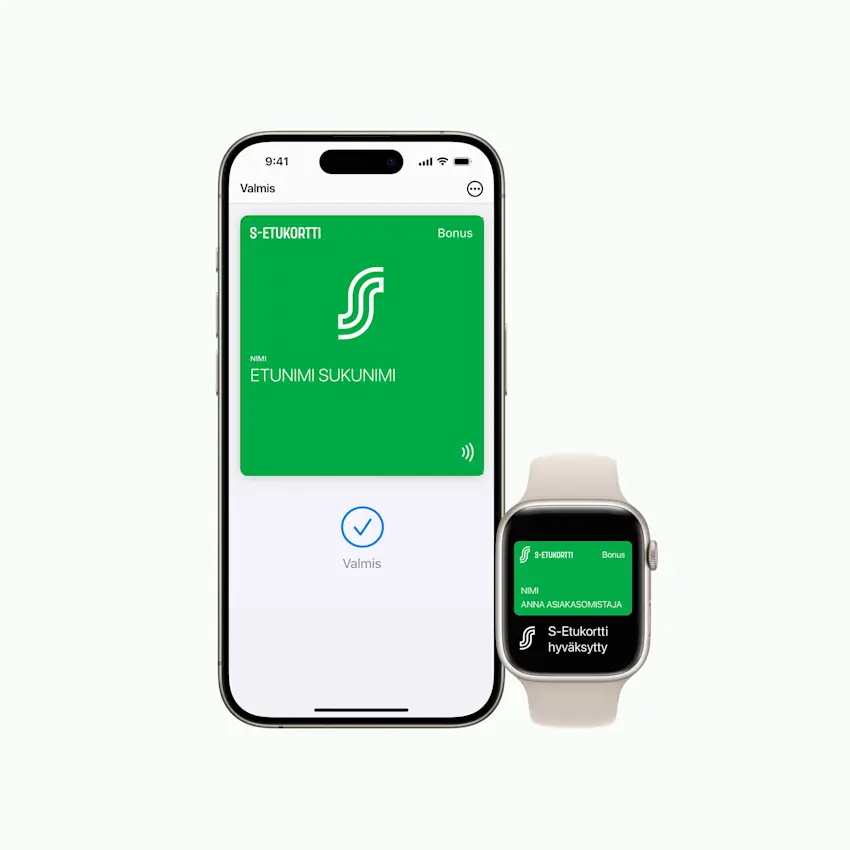
Add S-Etukortti to Apple Wallet to earn Bonus and benefits with your iPhone and Apple Watch. Apple Wallet automatically offers your S-Etukortti when the payment terminal requests it — so you earn cashback almost without noticing!
When you also add S-Etukortti Visa to Apple Pay, you get an extra 0.5% Bonus when you pay with it at our stores.


S-Etukortti in Apple Wallet Q&A
S-Etukortti in Apple Wallet: setup
S-Etukortti in Apple Wallet: setup
Add your S-Etukortti to Apple Wallet from the Me section in S-mobiili. S-Etukortti and S-Etukortti Visa are added as separate cards, and you need both to earn Bonus and pay with Apple Pay.
Sign in to S-mobiili and go to the Me section.
Select S-Etukortti card in Apple Wallet
Confirm by tapping "Add". Keep the default card settings.
After this, you can earn Bonus by holding your phone near the payment terminal at checkout – no sign-in or internet connection needed.
Once you've added S-Etukortti to your wallet, S-mobiili will also offer to add S-Etukortti Visa.
Earning Bonus with Apple Wallet
Earning Bonus with Apple Wallet
Here's how easy it is to earn Bonus using S-Etukortti from Apple Wallet.
Wake up Wallet – double-click the home/side button on your iPhone or Apple Watch and authenticate to Apple Wallet.
Hold your iPhone or Apple Watch near the payment terminal reader. The payment terminal confirms when S-Etukortti has been read.
Next, you can pay with any payment method, including a card from another bank. If you pay with S-Etukortti Visa, you get an extra 0.5% Bonus on top.
Where can I use S-Etukortti from Apple Wallet?
Where can I use S-Etukortti from Apple Wallet?
You can earn cashback with your S-Etukortti in Apple Wallet at the following chains: Prisma, S-market, Sale, Alepa, Food Market Herkku, ABC Market, ABC Ravintola, Sokos, Emotion, Prisma Rauta, S-Rauta, Sokos Hotels, Radisson hotels in Finland and cafés and restaurants listed on raflaamo.fi (excluding Hesburger).
At S Group partner businesses, earning Bonus or using member benefits with your S-Etukortti from Apple Wallet is not yet possible, so please use your physical S-Etukortti card.
Issues: Apple Wallet
Issues: Apple Wallet
If Bonus doesn't register with Apple Wallet, make sure your S-Etukortti is added to Wallet and the app is up to date. An expired card will work again if you allow automatic updates or add the card to Wallet again.
See answers to common issues in the link below.
For Android usersS-Etukortti for Android
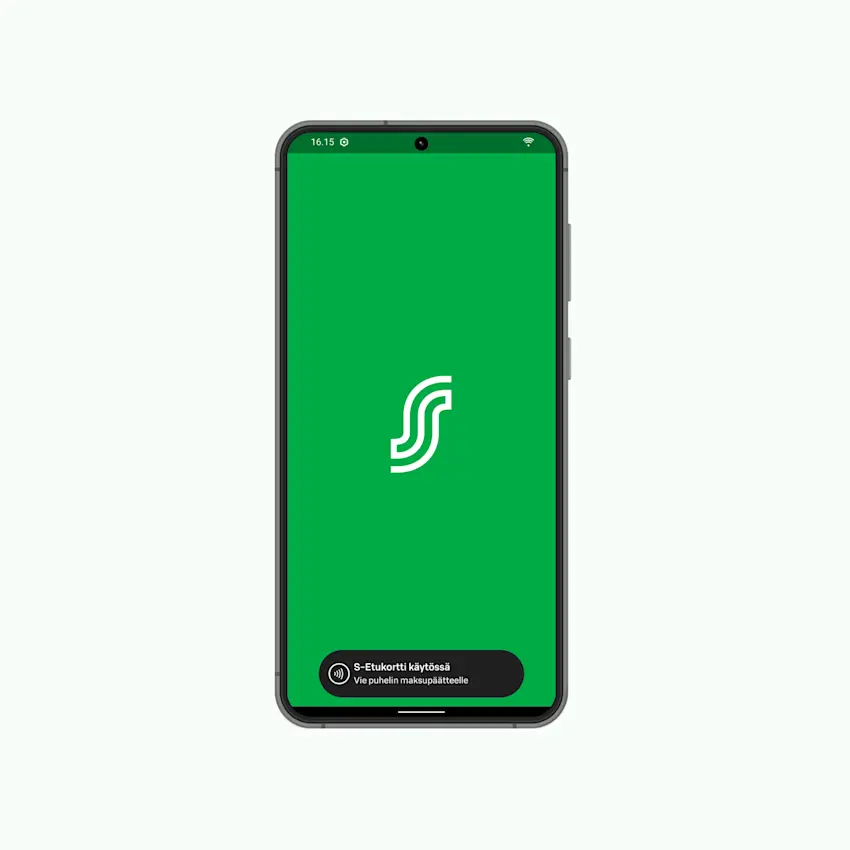
Enable the contactless NFC S-Etukortti in S-mobiili and earn Bonus and benefits easily with your Android phone. Open S-mobiili on your phone and hold it to the payment terminal – you don't even need to sign in to the app, just wait for the terminal to confirm your Bonus is registered.
When you also add S-Etukortti Visa to Google Pay, you get an extra 0.5% Bonus when you pay with it at our stores. Just register your Bonus with S-mobiili before paying.
S-Etukortti for Android Q&A
S-Etukortti for Android phones: setup
S-Etukortti for Android phones: setup
Here's how to activate your S-Etukortti for Android in S-mobiili.
Sign in to S-mobiili and open S-Etukortti in S-mobiili from the Me section.
Activate your S-Etukortti
Check your Android phone settings (Android 9.0 or newer): - NFC is turned on - Default payment app is set to e.g. Google Pay (Note: Not S-mobiili) - Open app can override default payment app is enabled (wording varies by phone model).
Where can I use S-Etukortti for Android?
Where can I use S-Etukortti for Android?
You can use your S-Etukortti for Android at almost all S Group locations: Prisma, S-market, Sale, Alepa, ABC Market, ABC Ravintola, Food Market Herkku, Sokos, Emotion, Prisma Rauta, S-Rauta, Sokos Hotels, Radisson Blu Hotels, Radisson RED Hotels, and cafés and restaurants listed on raflaamo.fi (excluding Hesburger).
Bonus and payment with Android phones
Bonus and payment with Android phones
Open S-mobiili at checkout. No need to sign in. A prompt appears at the bottom of the screen, confirming that S-Etukortti is active.
Hold your phone to the payment terminal. Keep your phone still and check that the terminal confirms your cashback has been registered.
Pay however you like. You can also tap Open payment app to go to Google Pay.
You earn an extra 0.5% cashback when you pay with S-Etukortti Visa, either through Google Pay or with your card.
Troubleshooting: Android
Troubleshooting: Android
If you can't earn Bonus or or pay with your Android phone, check your NFC settings and default payment app. Remember to close S-mobiili after recording Bonus and before paying.
See answers to common issues in the link below.
S-Etukortti in S-mobiiliS-Etukortti barcode in S-mobiili
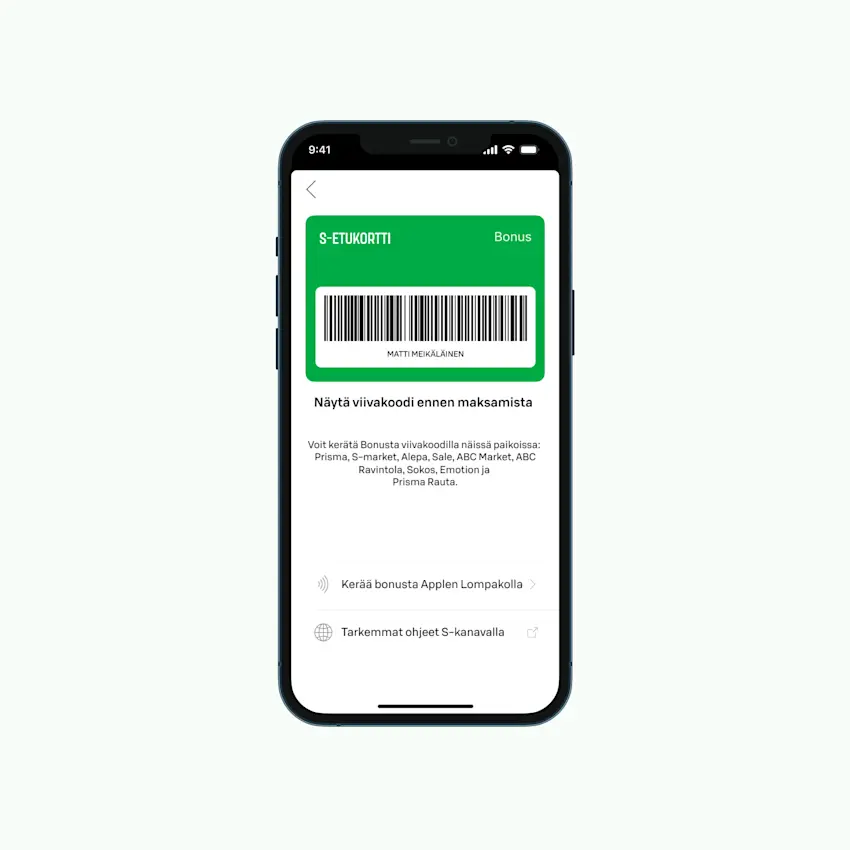
You can always find your S-Etukortti barcode in the S-Etukortti section of S-mobiili – show the barcode to the cashier to register your Bonus before paying.
The S-Etukortti barcode is not yet available at self-service checkouts or hotels.
S-Etukortti barcode Q&A
Where can I use the S-Etukortti barcode?
Where can I use the S-Etukortti barcode?
You can use the S-Etukortti barcode at almost all S Group locations: Prisma, S-market, Sale, Alepa, ABC Market, ABC Ravintola, Food Market Herkku, Sokos, Emotion, Prisma Rauta, S-Rauta, and cafés and restaurants listed on raflaamo.fi (excluding Hesburger).
You cannot yet use the S-Etukortti barcode at express checkouts.
Which phones can I use the S-Etukortti barcode on?
Which phones can I use the S-Etukortti barcode on?
All iPhone and Android users can use the S-Etukortti barcode if they have S-mobiili on their phone.