Bonus and payment with Android phones
Updated 10 months ago
You can pay with S-mobiili's S-Etukortti using Google Pay, a payment card, or cash. You earn 0.5% card payment cashback when you pay via Google Pay with your S-Etukortti Visa card.
How do I use S-Etukortti for Android?
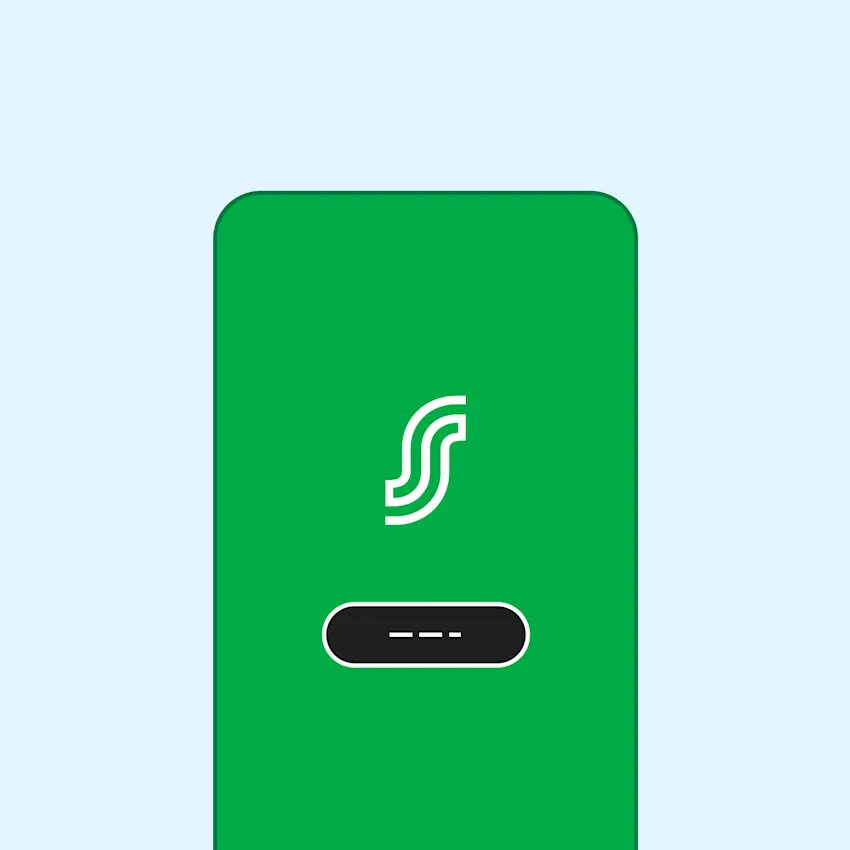
Open S-mobiili at checkout. You don't need to sign in. A prompt appears at the bottom of the screen telling you that S-Etukortti is active.
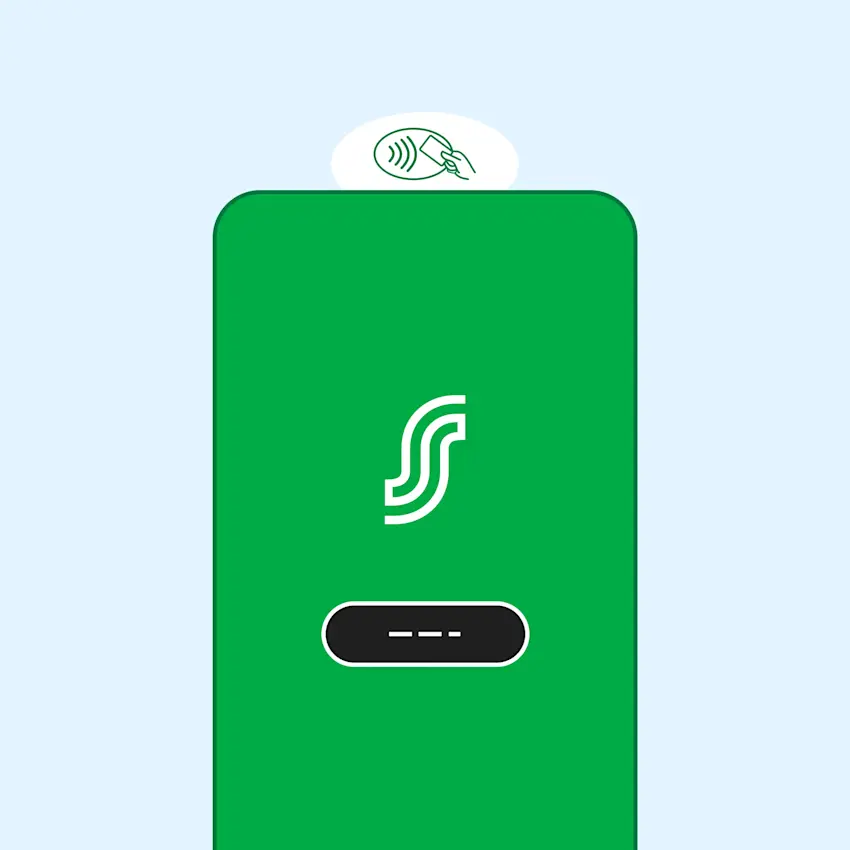
Hold your phone near the payment terminal's contactless reader to register Bonus. On most payment terminals, the contactless reader is on the left side (same as for payment cards).
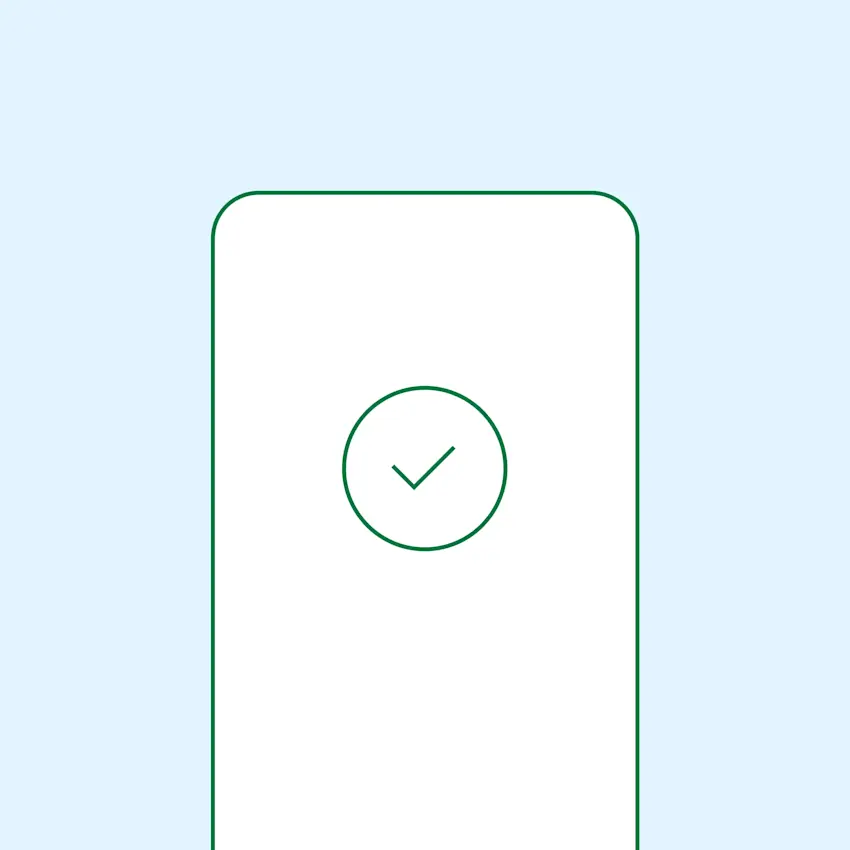
When Bonus is registered successfully, the payment terminal shows "Bonus ok" and S-mobiili displays a notification "Bonus kirjattu" (Bonus registered).
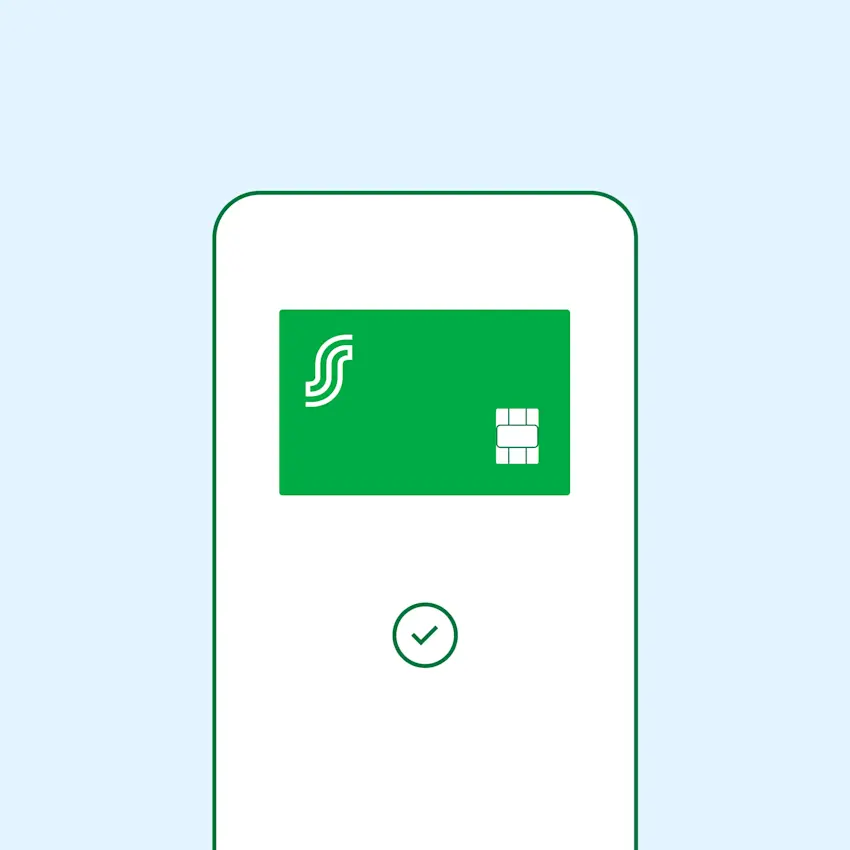
Close S-mobiili after this and pay with your preferred payment method. You can also use the "Avaa maksusovellus" (Open payment app) link to switch to your payment app (for example, Google Pay).
What payment methods can I use with S-mobiili's S-Etukortti?
Pay however you prefer – with a mobile payment app like Google Pay, a payment card, cash, or a gift card.
Do I earn card payment cashback when using S-mobiili's S-Etukortti?
Yes. You earn 0.5% card payment cashback when you pay with Google Pay using your S-Etukortti Visa card. This benefit does not apply at hotel receptions for now.
First log your Bonus, then proceed to pay via Google Pay with your S-Etukortti Visa card.
How do I redeem a mobile coupon when using S-mobiili's S-Etukortti?
Redeem your mobile coupon as normal:
Show the opened coupon at checkout
Click the "Redeem coupon" button before you pay