Getting an S-Etukortti and card types
Updated 10 months ago
S-Etukortti is free and available to everyone in the co-op member household. You can use the card as a physical plastic card, as a Visa payment card, or on your phone. With all card types, you earn Bonus cashback and get the same member benefits.
How do I get an S-Etukortti?
You get an S-Etukortti when you become a co-op member. When you join, you pay a membership fee (100 €), which is not a card fee but an investment in the co-operative. You get it back if you end your membership.
Your first S-Etukortti arrives by post about a week after joining. While you wait, you can use the mobile S-Etukortti on your phone.
If you've been added to another person's member household, you get your own card without paying a separate membership fee.
You can also give membership as a gift, for example as a graduation gift or a housewarming present.
Is S-Etukortti free?
Yes. S-Etukortti is free for everyone in the member household. S-Etukortti Visa also has no annual or monthly fees.
If your payment card needs to be replaced before it expires (for example, because it was lost), you'll be charged according to S-Bank's service price list.
What are the different card types?
You can use S-Etukortti in four different ways. With all of them, you earn Bonus cashback and get the same member benefits.
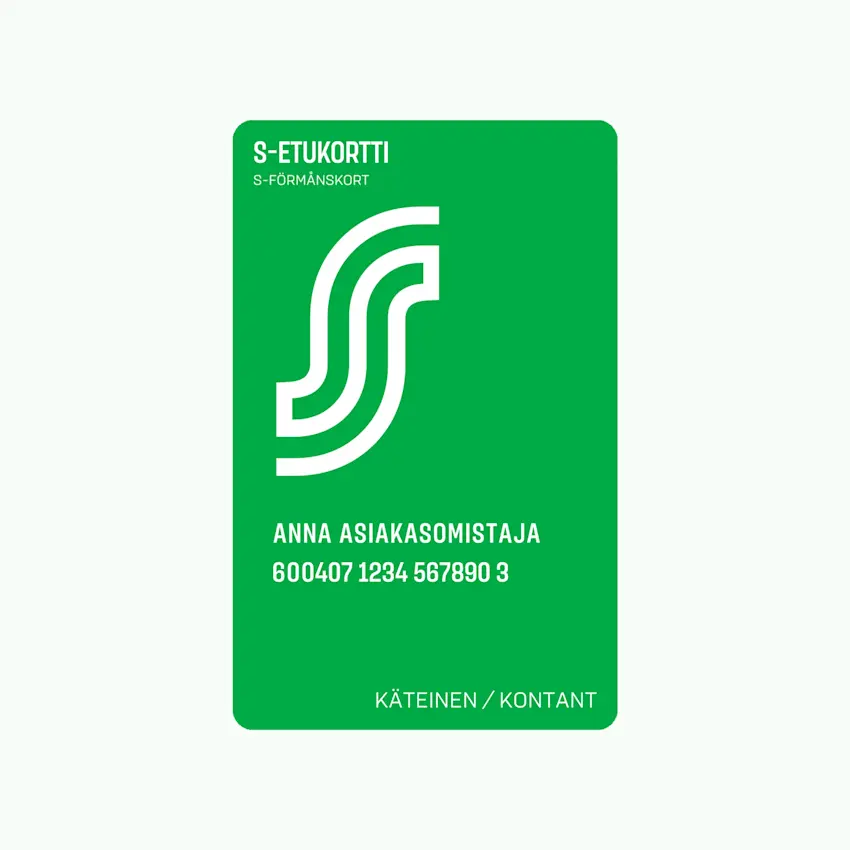
1. Physical S-Etukortti (cash card)
Traditional plastic card with no payment feature
Scan it at checkout before you pay to earn Bonus
Pay separately with cash, debit card, or another payment method
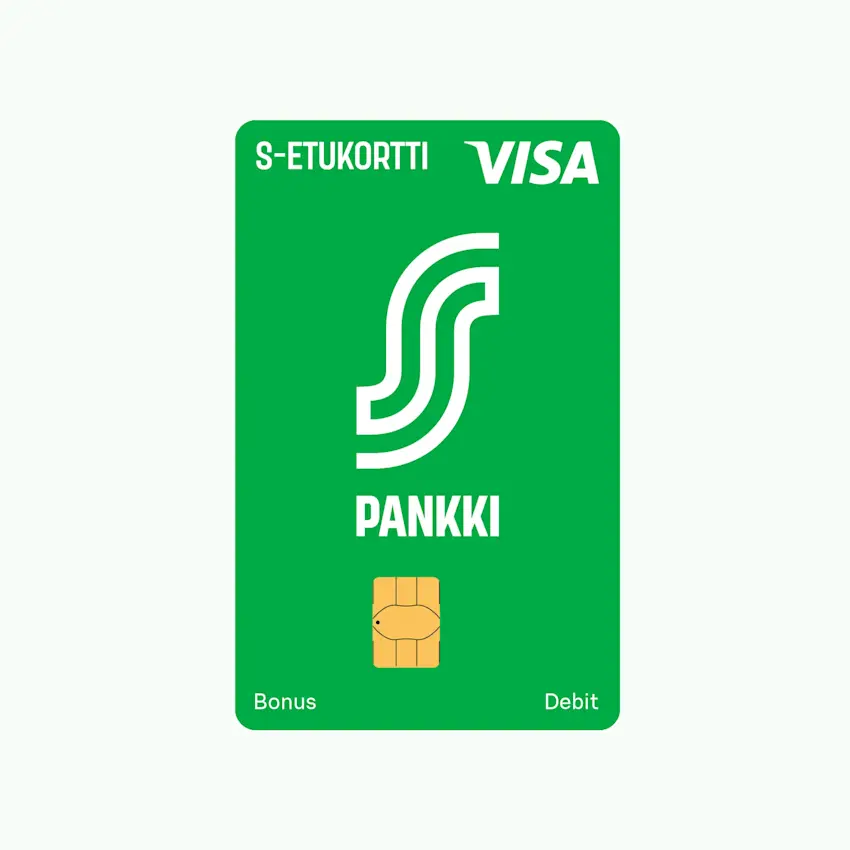
2. S-Etukortti Visa (maksukortti)
Combines cashback earning and payment on a single card
You get an extra 0.5% card payment cashback on S Group purchases
Works abroad and for online purchases too
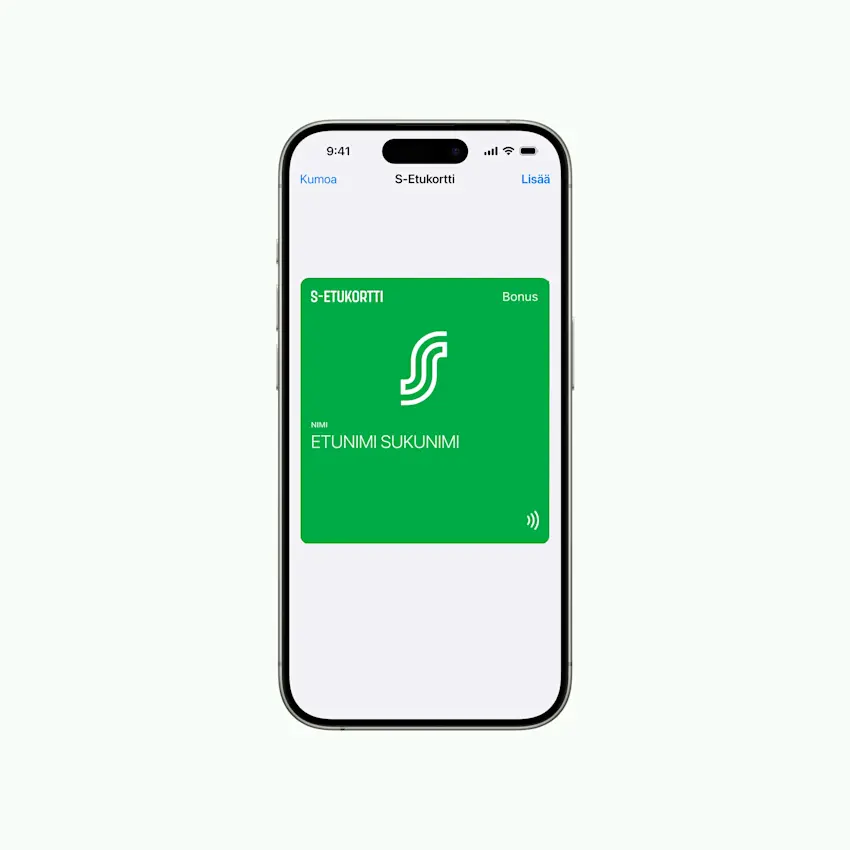
3. Mobiili S-Etukortti
Earn cashback without a physical card. Three options:
Apple Wallet (iPhone)
NFC contactless (Android)
Barcode (all phones)
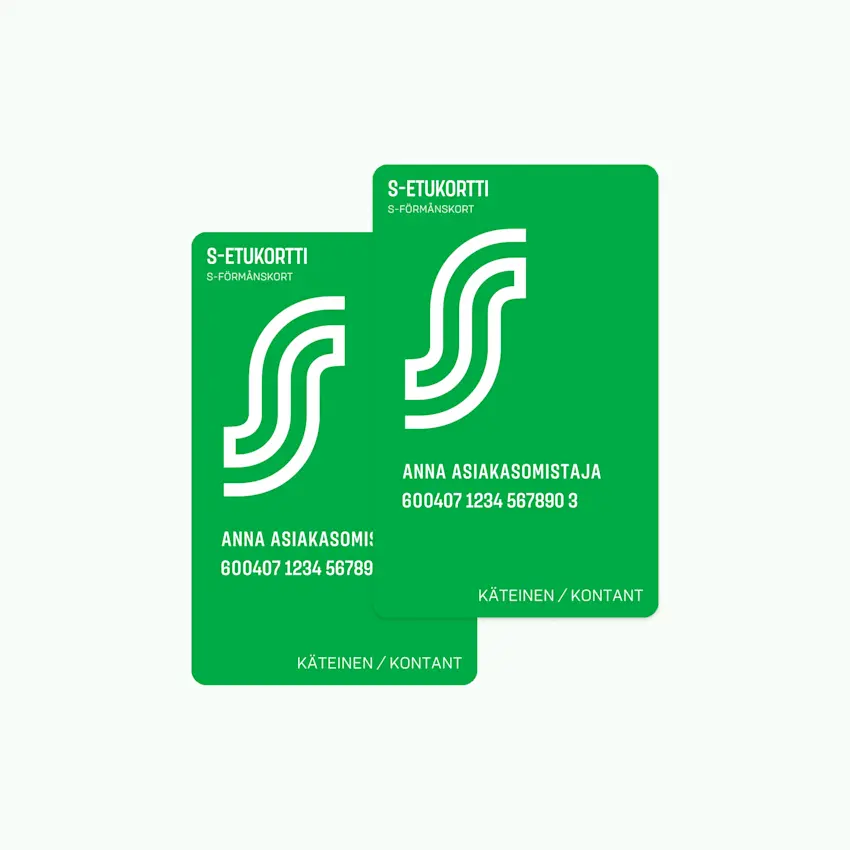
4. Household member card
Family members and housemates added to the member household get their own S-Etukortti
Read more about member households
Do I get the same benefits with all card types?
Yes. Whether you use a physical card, Apple Wallet, Android contactless, or a barcode, you get:
Bonus cashback on your purchases
Member benefits and discounts
Coupon redemption
Digital receipts (exception: barcode still prints a paper receipt for now)
Card lost, broken, or expired?
You can block a lost card immediately and order a new one. Read the instructions in the article Lost, broken, or expired card.