Setting up S-mobiili with S-Bank credentials
Updated 7 months ago
Step-by-step guide for installing and activating S-mobiili using S-Bank online banking credentials. You will need your S-Bank username, password and key code table.

Download S-mobiili
- Go to your phone's app store (Google Play or App Store).
- Search for "S-mobiili" and download the app.
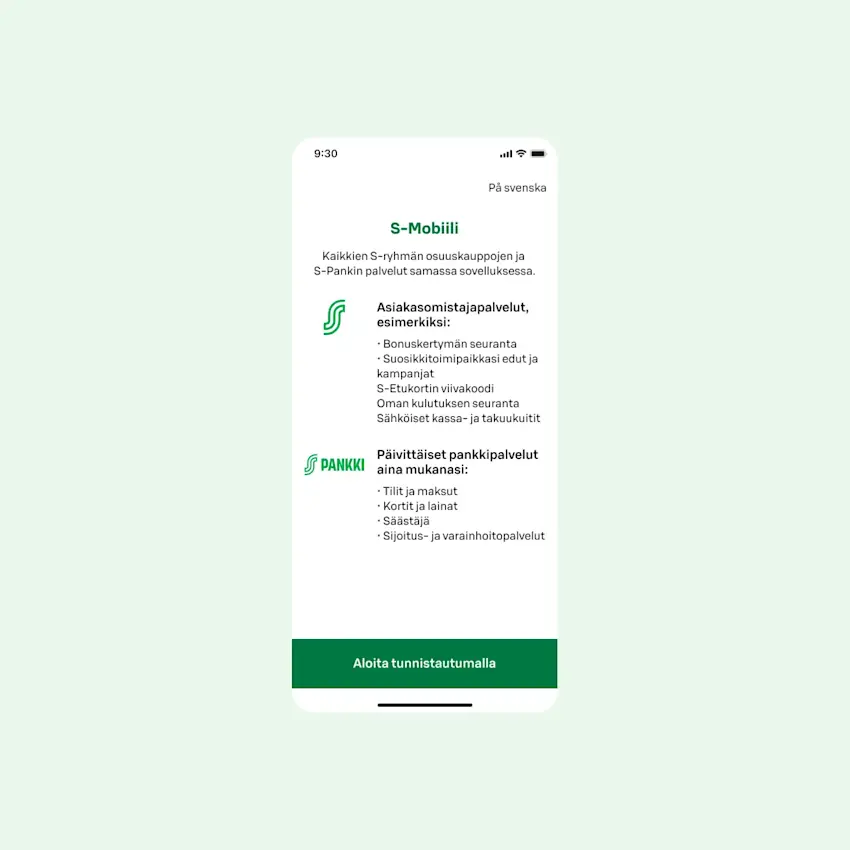
Open the app
- Open S-mobiili on your phone.
- Tap "Start by authenticating".
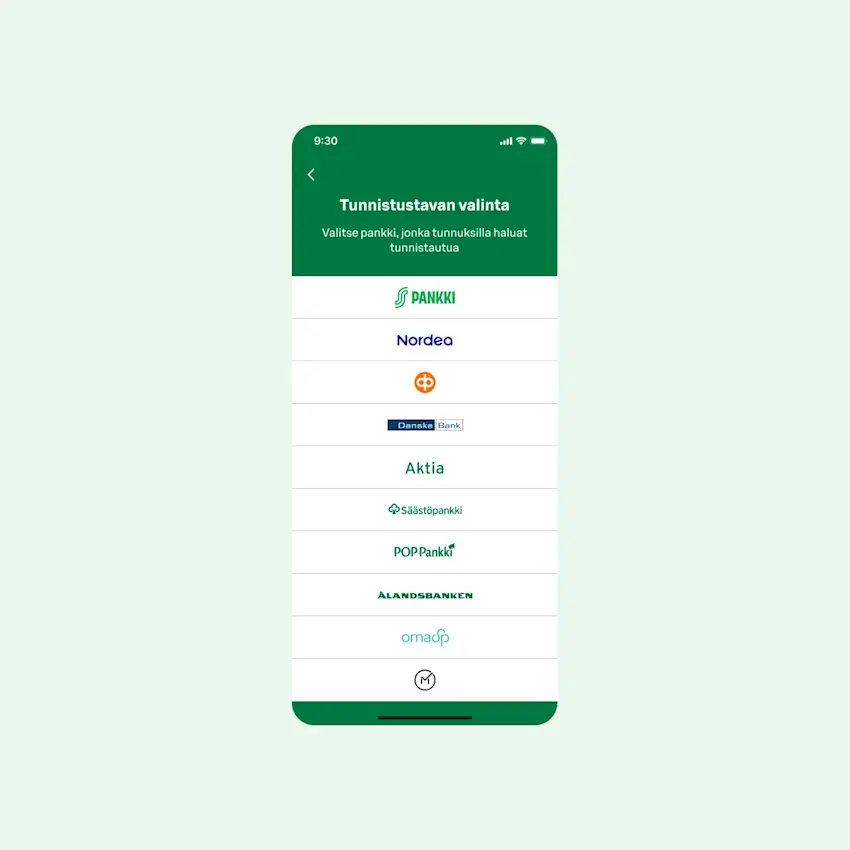
Sign in
Sign in with your online banking credentials.
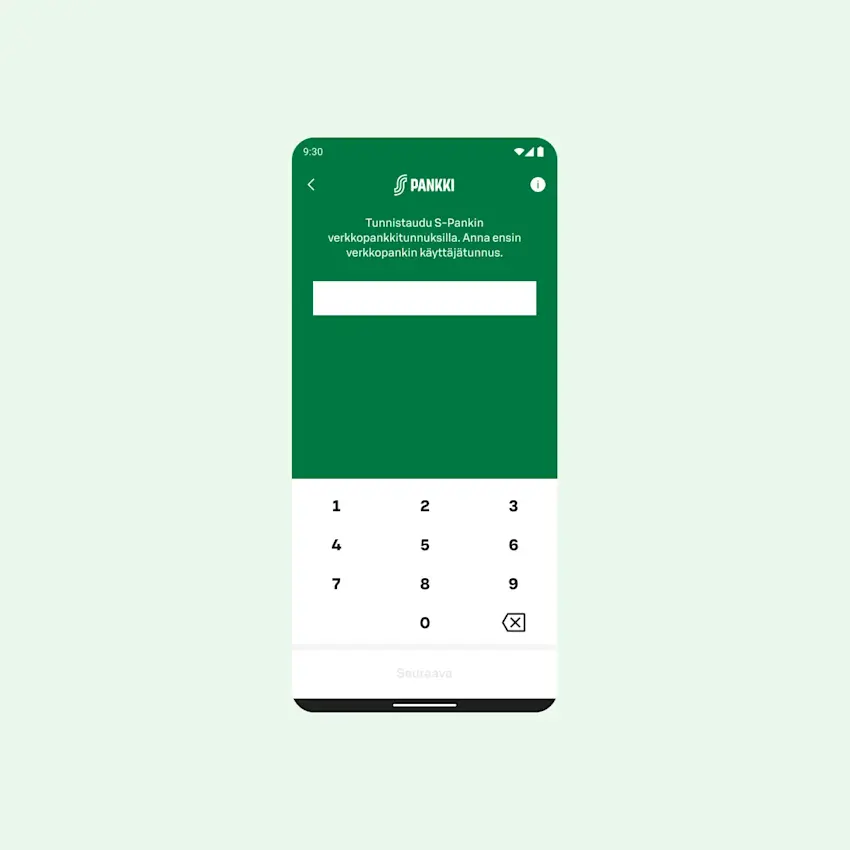
Enter your username
- Type your online banking username.
- Tap "Next".
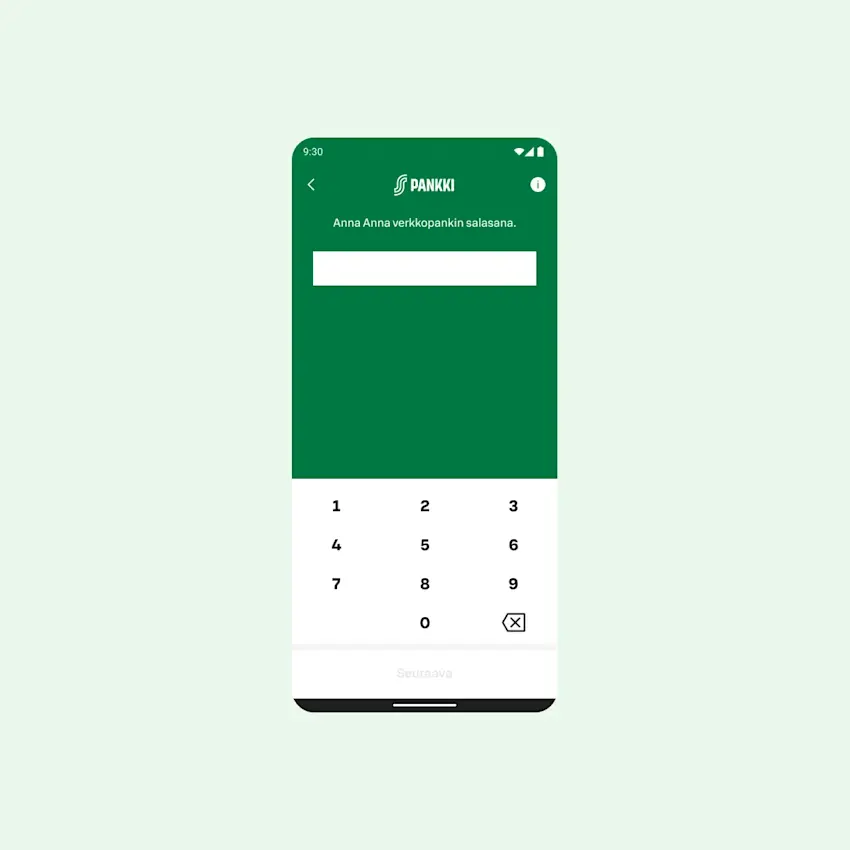
Enter your password
- Type your online banking password.
- Tap "Next".
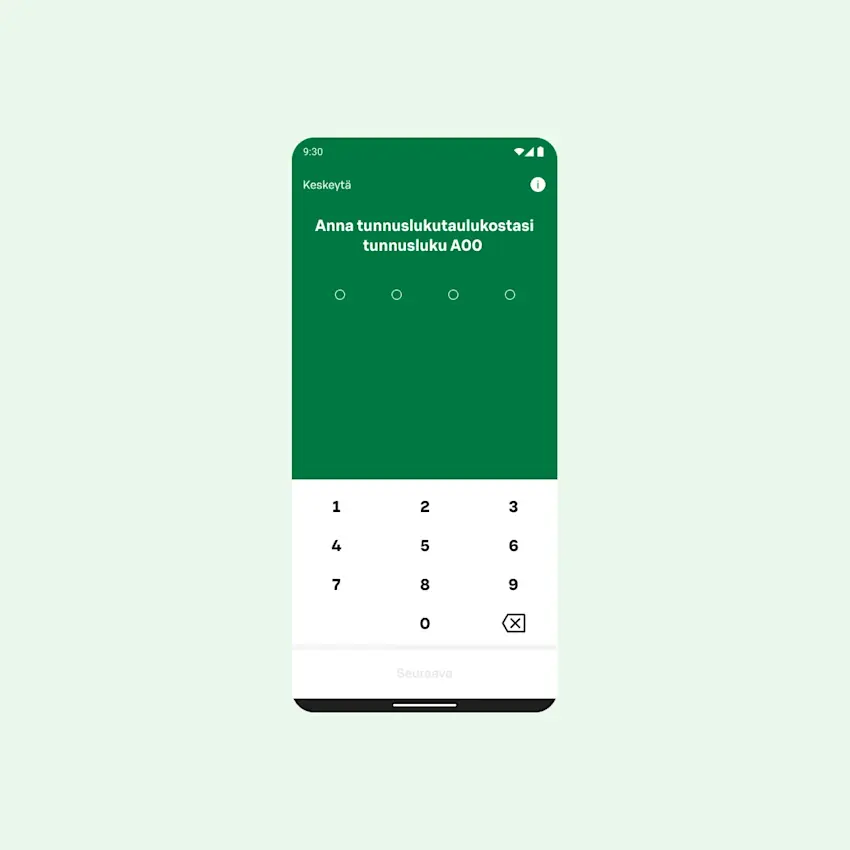
Enter your PIN
- Use the key code table provided by S-Bank.
- Tap "Next".
- If you are not yet a co-op member and do not belong to a co-op household, you will be directed to join first before you can continue the S-mobiili setup.
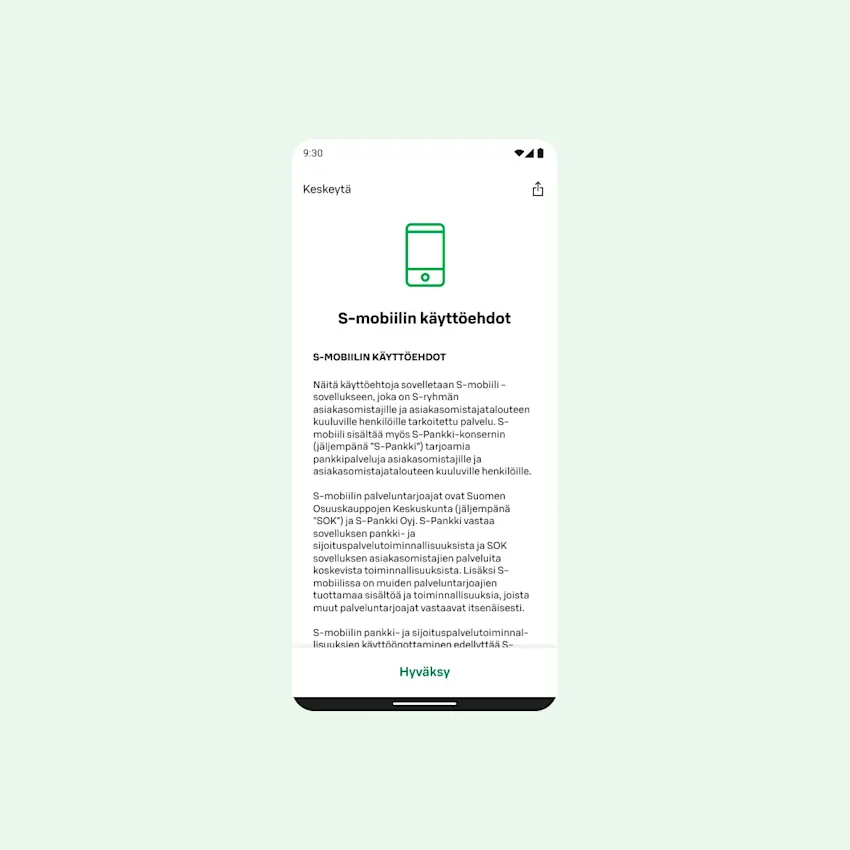
Accept the terms and conditions
- Read the S-mobiili terms and conditions.
- Tap "Accept".
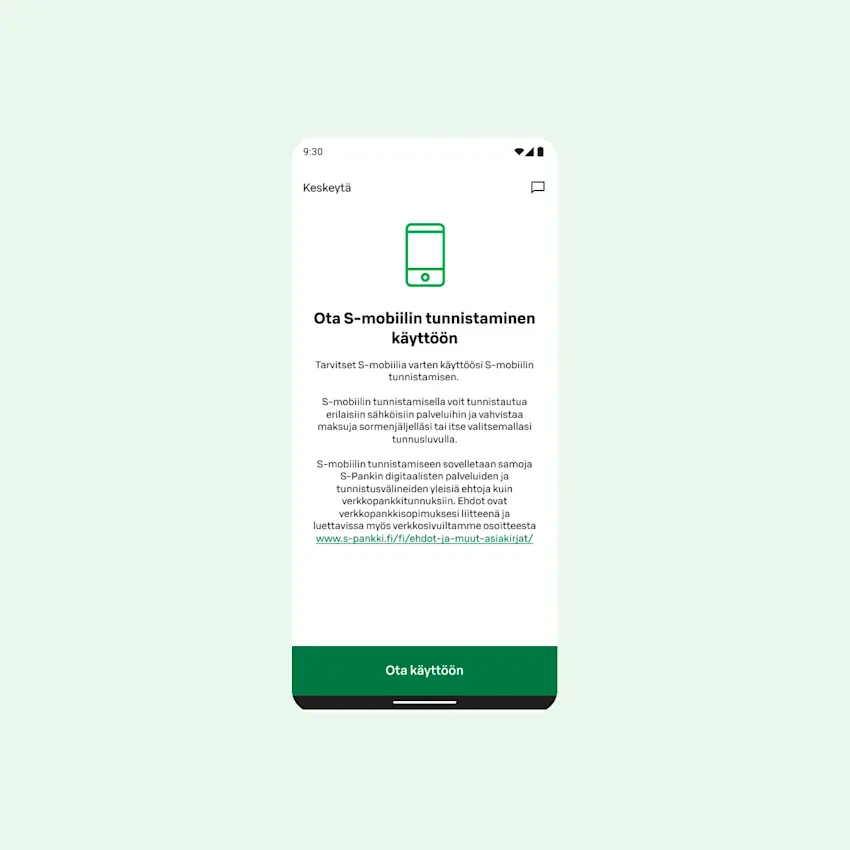
Activate authentication
If you have S-Bank services, or open them when setting up S-mobiili, enable authentication
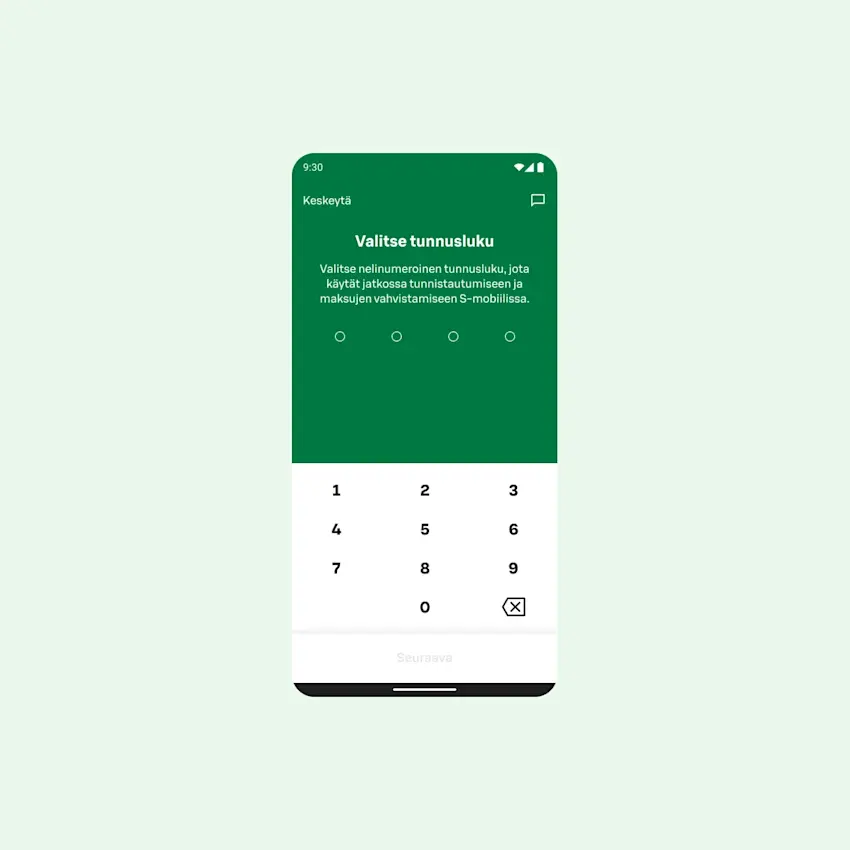
Set your PIN code
- Choose a 4-digit PIN code.
- The PIN must not contain consecutive numbers (like 1234) and must include at least two different digits (like 1256).
- Tap "Next".
- Enter the same PIN code again to confirm.
- Tap "Next".
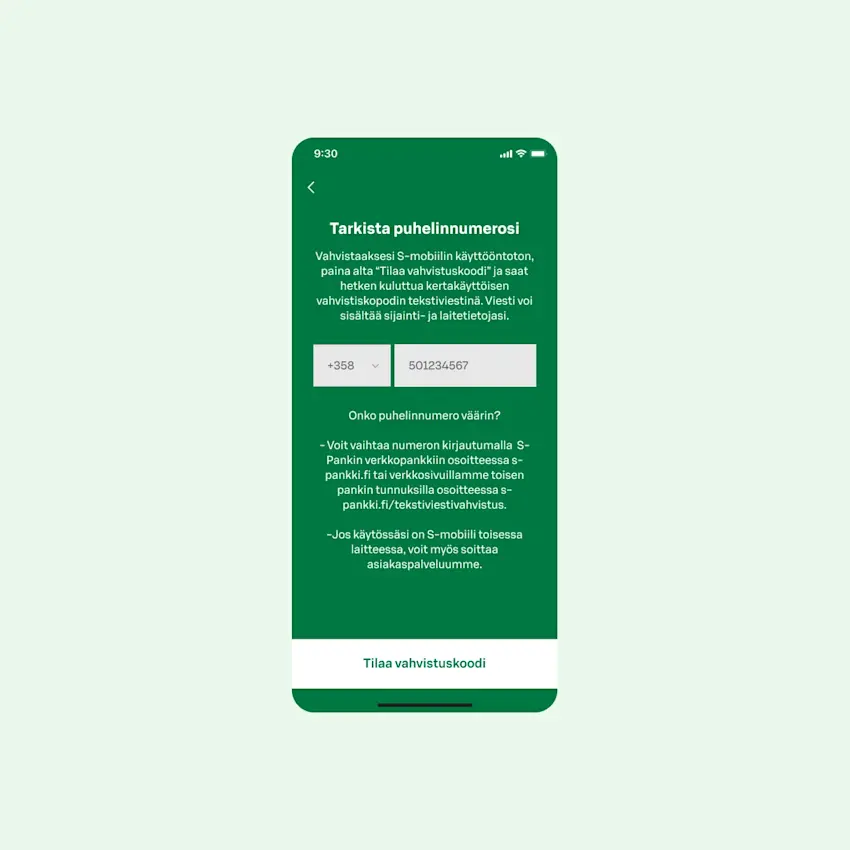
Check and confirm your phone number
- Tap "Request verification code".
- If your phone number is not in your S-Bank customer details, you will be asked to add it in online banking or at the nearest service point.
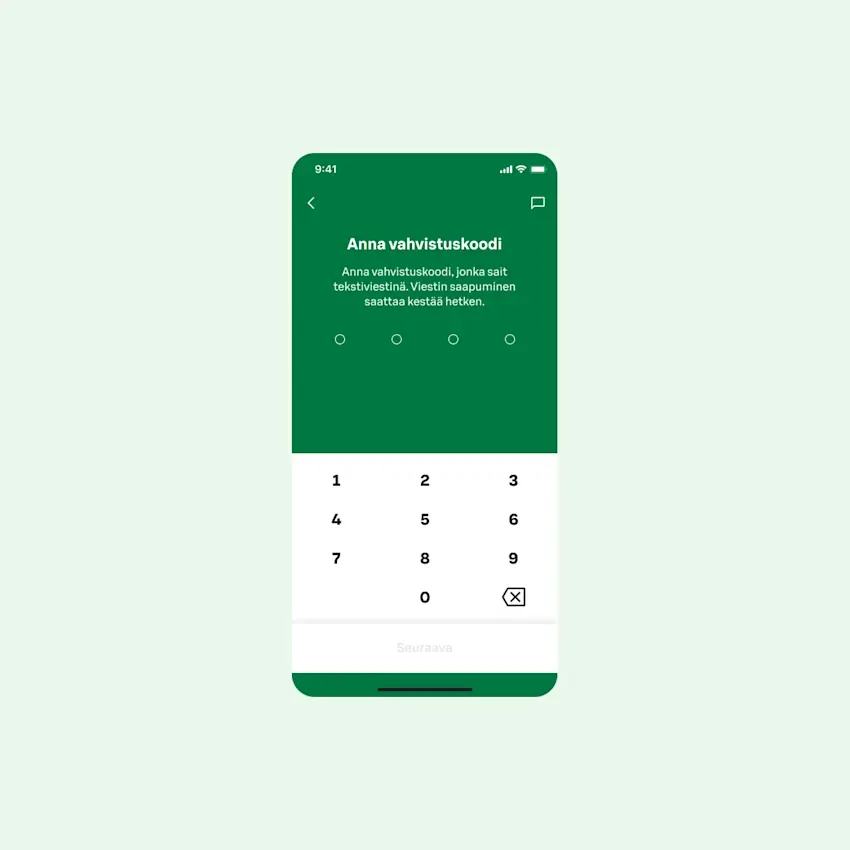
Enter the confirmation code
- Enter the verification code you received by text message.
- Tap "Next".
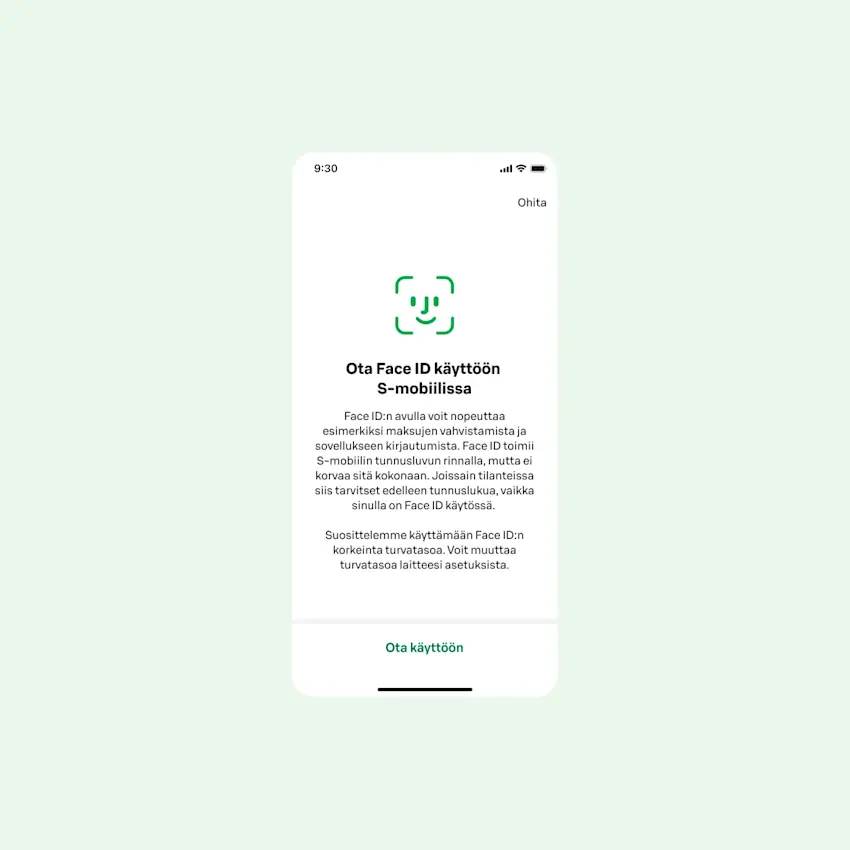
Enable fingerprint or face recognition
- Here you can activate fingerprint or facial recognition.
- Tap "Enable" or "Skip".
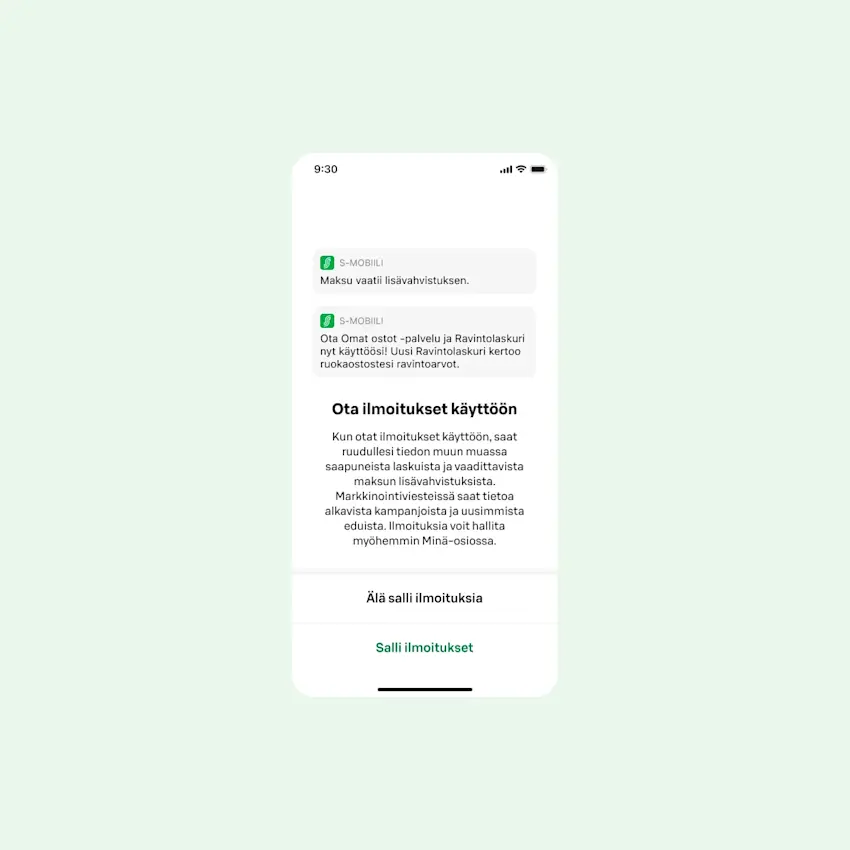
Allow notifications
- S-mobiili can send you notifications about new coupons or announcements.
- Choose whether you want to receive notifications.
- Tap "Allow notifications" or "Don't allow notifications".
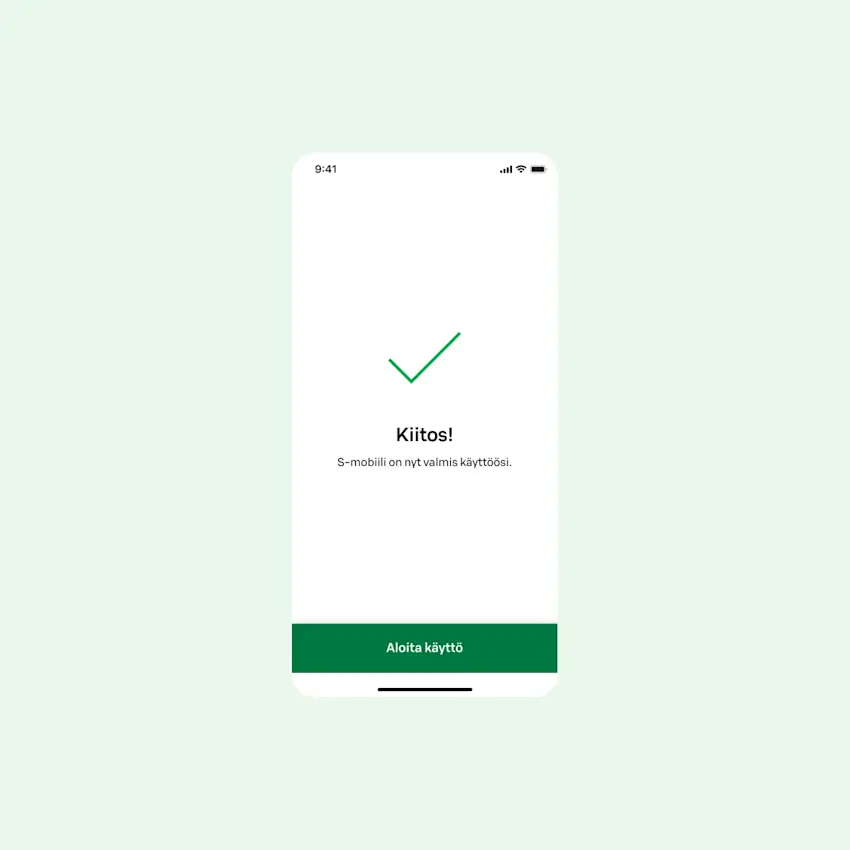
Complete the setup
- Tap "Start using".
- You can choose your preferred language (Finnish/Swedish/English) in the app's "Me" section.
Important! Keep your key code table safe. You will need it if you lose your phone or want to set up S-mobiili on a new phone.