S-Etukortti on your phone
Updated 10 months ago
You can use your S-Etukortti on your phone in three ways: in Apple Wallet (iPhone), via NFC (Android), or with a barcode in S-mobiili. All methods earn Bonus and provide the same co-op member benefits as a physical card.
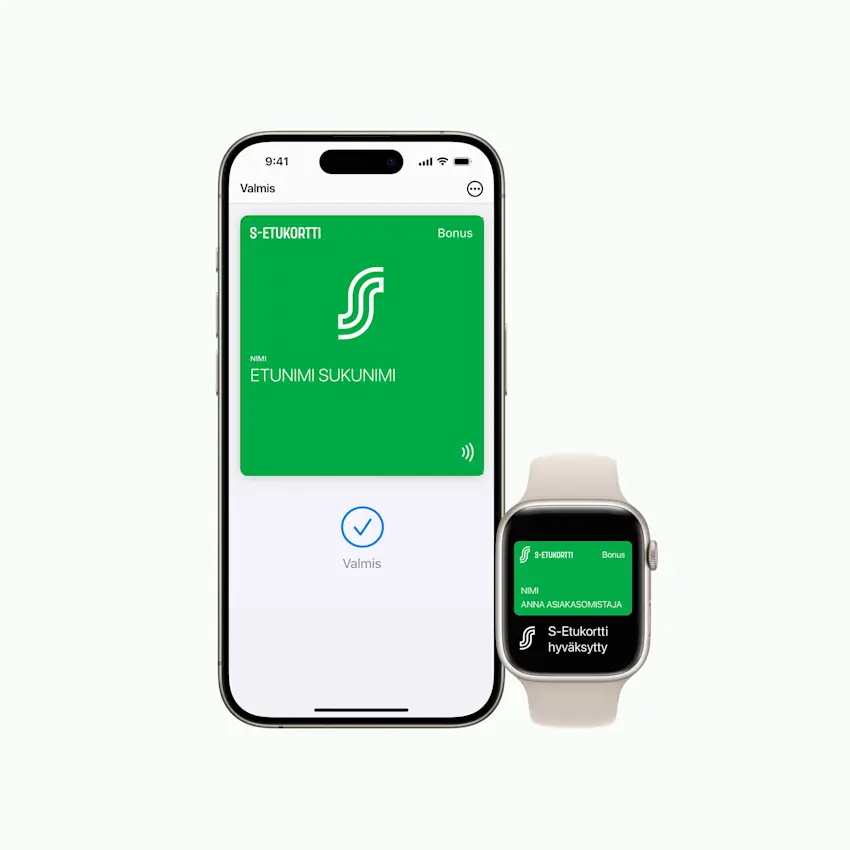
Apple Wallet (iPhone)
S-Etukortti in Apple Wallet works with NFC technology: hold your phone near the payment terminal, and Bonus is registered automatically. No sign-in or internet connection required.
Also works with Apple Watch
Works at self-checkout tills
You can redeem coupons directly at the checkout
Setup: Add S-Etukortti to Apple Wallet via S-mobiili. Read setup instructions
Earning Bonus and coupons: Read more about earning Bonus with Apple Wallet
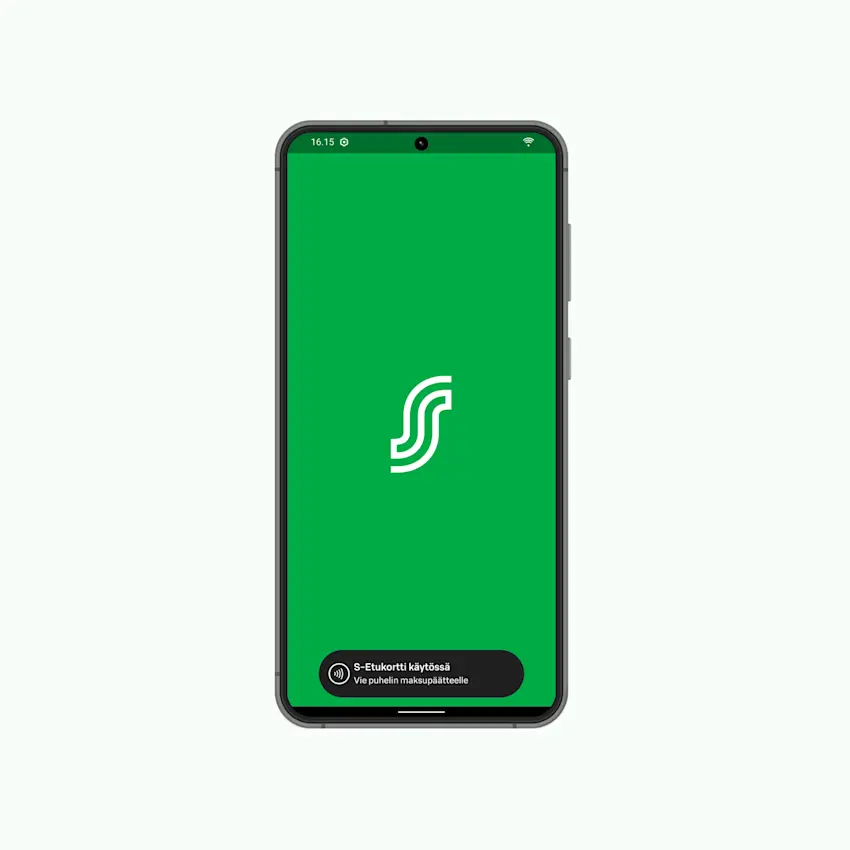
Android NFC contactless
On Android phones, you can earn Bonus with NFC contactless: hold your phone to the payment terminal, and Bonus is registered automatically. No sign-in or internet connection required.
Works at self-checkout tills
Requires Android 9.0+ and an NFC-capable phone
Setup: Activate the NFC-enabled S-Etukortti in S-mobiili. Read setup instructions
Paying and Bonus: Read more about paying and Bonus on an Android phone
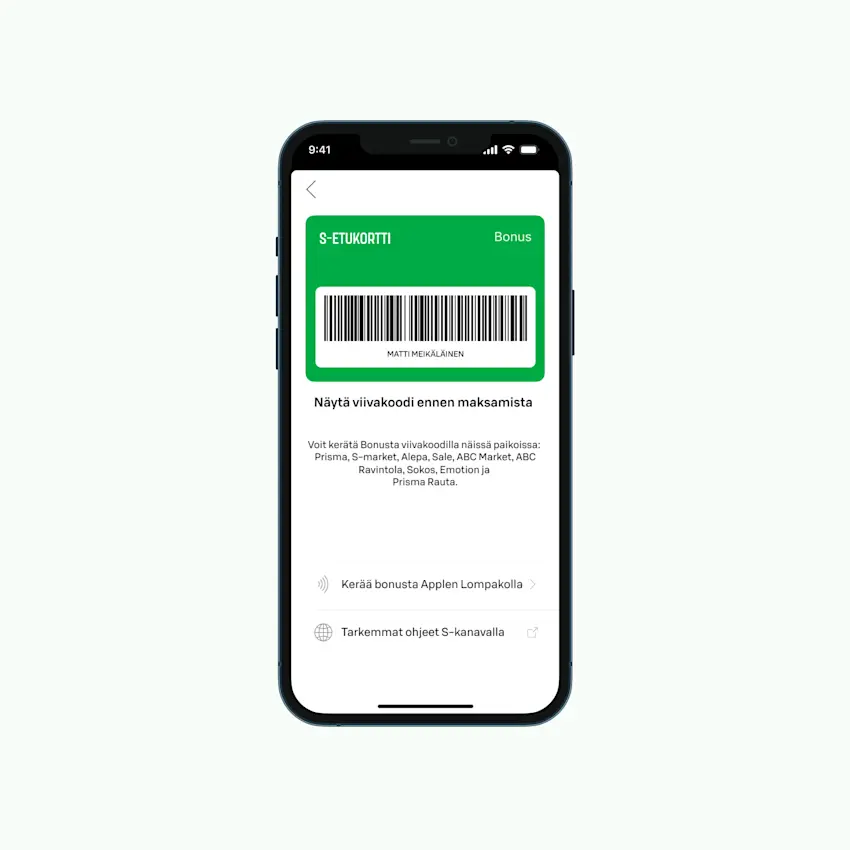
Barcode in S-mobiili
If your phone doesn't support NFC or you're using another device, you can earn Bonus with the barcode. The cashier scans the barcode from the S-mobiili app screen.
Works on all smartphones
Requires signing in to S-mobiili and an internet connection
Does not yet work at self-checkout tills or hotels